Virtual Try-On for Shopify
AI Virtual
Try-On Videos
for Shopify.
Add a product page widget where shoppers upload a photo, watch progress, and preview an 8-second try-on video after a short wait. Generation time varies.

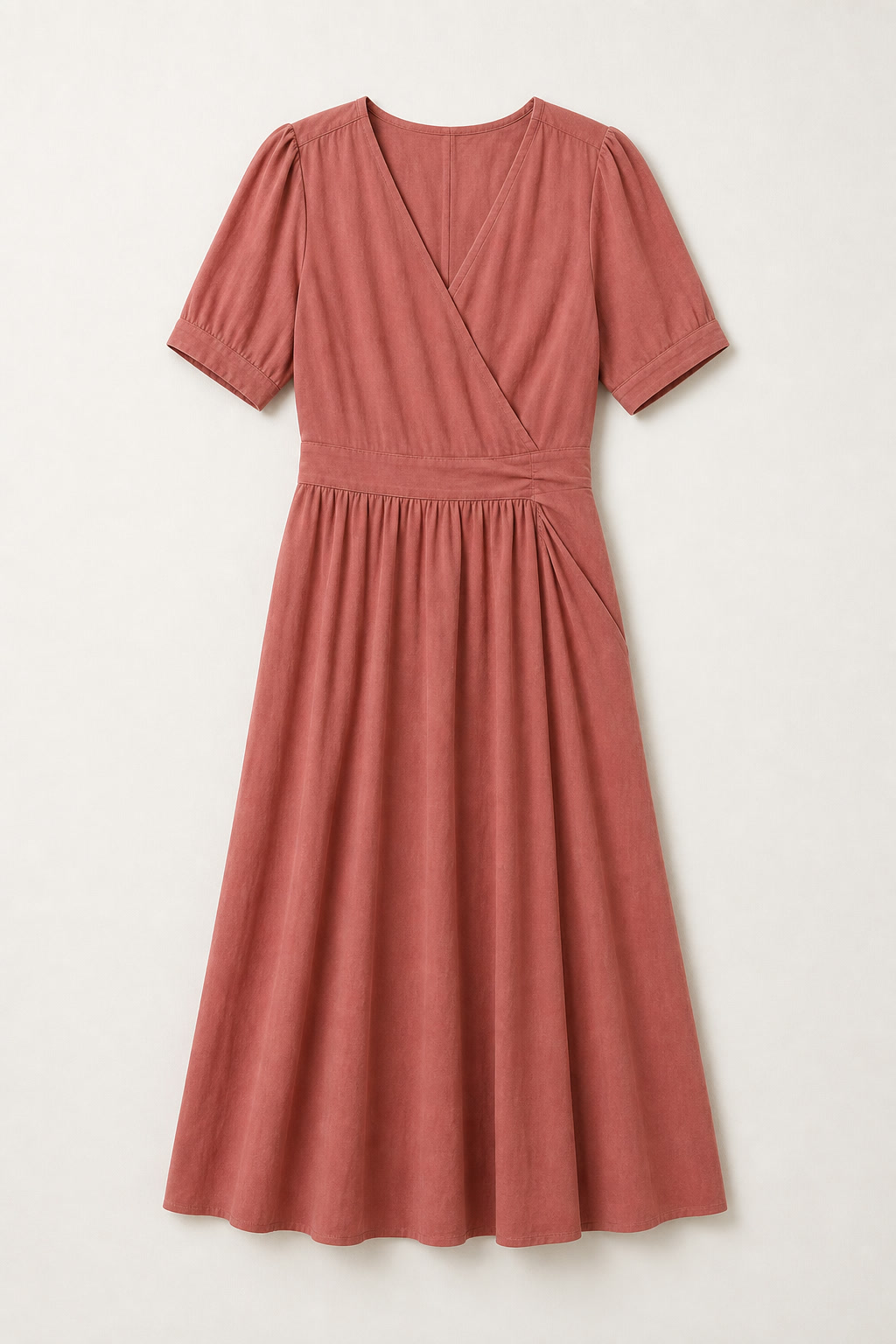
Shopify virtual try-on app
What InPose adds to a Shopify product page
InPose is built for Shopify stores that sell apparel, jewelry, handbags, hats, and other wearable products. The app helps shoppers answer the practical question, "How will this look on me?", with a product-page try-on video.
Storefront-native
The try-on flow runs on the Shopify product page, so shoppers stay close to the product, variant, and purchase path.
Video-first output
InPose turns a shopper photo and product image into a short motion preview instead of a static mockup.
Merchant controls
Stores can review catalog fit, customize the widget, and configure usage controls before launch.
Storefront Flow
From product page to ready video.
A shopper uploads one photo on a Shopify product page, watches clear progress, and gets an 8-second try-on video without leaving the page.
Real Examples
See the Transformation
Use a photo you have permission to upload and a product image to create an 8-second AI try-on video. Generation time and visual accuracy vary.
Pendant Necklace

Person Photo
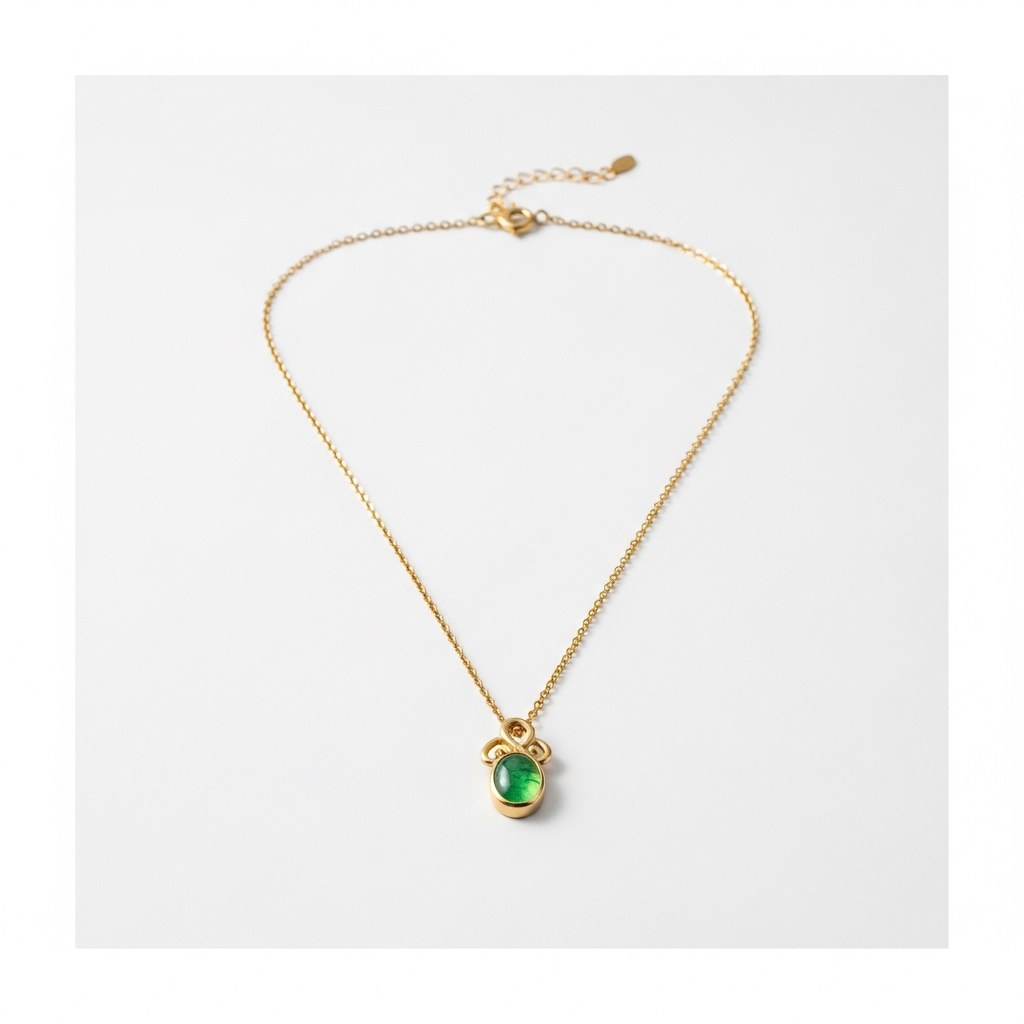
Product Image
Jewelry try-on with natural motion
8-Second Try-On Videos
Shopper photo to ready video
How It Works
Three Simple Steps
Customer Uploads Photo
Shoppers upload a front-facing photo directly on your product page.
AI Renders Motion
InPose generates a photorealistic try-on video with clear progress.
Video Is Ready
The finished try-on video appears on the product page for playback.
Start the way your team prefers.
Start from the Shopify listing to begin setup, or schedule a demo if you want to review catalog fit and rollout timing first.
Common questions
AI virtual try-on for Shopify: FAQ
What is InPose TryOn?
InPose TryOn is an AI virtual try-on app for Shopify stores. It adds a product page widget that lets shoppers upload a photo and preview products in an 8-second try-on video before buying.
How does the Shopify virtual try-on flow work?
A shopper opens a Shopify product page, uploads a photo, watches progress in the storefront, and receives a short AI-generated try-on video without leaving the product page.
Which product categories fit InPose?
InPose is built for wearable products such as apparel, jewelry, handbags, hats, and accessories where a shopper benefits from seeing the item on a person before purchase.
How can a Shopify merchant get started?
A merchant can start from the Shopify App Store listing when available, or schedule a demo to review catalog fit, product page placement, usage controls, and rollout timing.